
Design a Cisco network around business traffic, physical sites and failure scenarios, with a clear plan for implementation and handover.
Proxar · UK expertise
Network and connectivity
Network and connectivity problems can look alike to staff. A slow application, patchy meeting-room Wi-Fi and an unreliable branch link need different checks. Start with who is affected and where they work.
Technology partnerships
Technology partners you know
We help you choose and look after the technology your team uses every day.




Network and connectivity checks inside the office
Our Cisco enterprise design service looks at the wider network layout and operating requirements. Meraki office design focuses on the places staff sit, meet and move, along with the wired and wireless connections they need. When the fault is confined to particular rooms, Meraki’s wireless survey guidance explains what engineers can measure on site.
A strong wireless signal is only part of the answer. You also need to decide who can connect and what they can reach. Wi-Fi and Entra ID authentication explains the identity and device questions behind staff access without treating a shared password as the only option.
Between locations: follow the applications
SD-WAN and business VPNs covers links between sites and the way traffic uses them. Secure remote access starts with individual people, their devices and the resources they should be allowed to use.
A contractor needing one application should not automatically get the same access as an entire branch office. Start with those differences before choosing a connection method. The design should make everyday work possible without making everything reachable from everywhere.
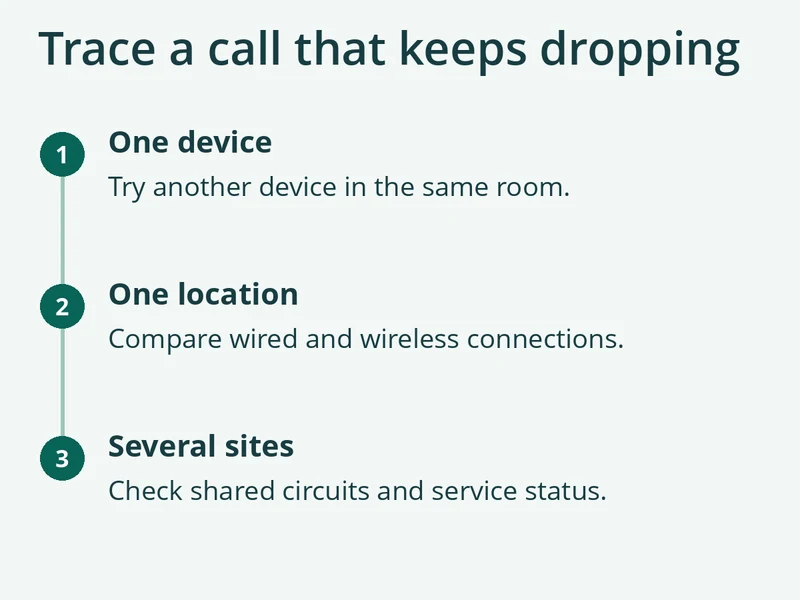
Read the diagram as text
Trace a call that keeps dropping
- One device
- Try another device in the same room.
- One location
- Compare wired and wireless connections.
- Several sites
- Check shared circuits and service status.
Who owns network and connectivity faults after installation?
Installation is not the end of the work. Network maintenance covers planned upkeep, while network management explains ongoing responsibilities for equipment your business owns.
Agree who maintains records, approves changes and follows up faults involving a connectivity supplier. That information is especially useful when an application issue could sit on either side of the office connection.
For a first conversation, bring your sites, the applications people rely on and a few examples of where connectivity fails them. A diagram is helpful, but describing who is affected and when often gives a better starting point than a list of equipment alone.
Client experience
What our clients say
“Proxar’s exceptional responsiveness and seamless collaboration with building management and service providers enabled them to deliver a rapid solution that exceeded our expectations.”
Your next step
Which network and connectivity problem keeps coming back?
Tell us which sites or staff are affected and what they are trying to do. We will help you separate coverage, connectivity and access problems before choosing the work needed.